Computers used to rarely keep working after humans walked away. When you closed the lid to grab a meal, the document paused at the blinking cursor; emails stayed in the drafts folder. But in the future painted by AI agents, computers will no longer wait quietly for their owners. They can look up information, fill out forms, write reports, and even book dinner reservations while you're in a meeting. By the time you sit back at the screen, the work has already advanced several steps. That sounds wonderful, but the problem begins right there. If the AI opens the wrong file, sends an unpublished plan to the wrong person, or deletes a file it deemed "duplicate" that you can never recover, whose operation was that?
When an AI can read the hard drive and access the browser, email, and enterprise systems, why should we trust it to do only the one thing it was told?
Microsoft's recent answer is intriguing. Before letting AI truly enter Windows, it first built an isolation room for these agents. Over the past two years, people have grown used to chatting with AI on their computers. It answers questions, rewrites copy, summarizes web pages, but in most cases its capabilities remain within relatively safe boundaries. You copy content to it, it processes that content; you don't hit send, it usually can't do anything. Even when errors appear, the most common consequence is just an unreliable passage of text on the screen.
Agents change that boundary. They no longer just wait for humans to deliver materials; they must find materials themselves, invoke tools, and complete operations.
Microsoft Launches AI Execution Containers to Strengthen Security
To organize an expense report for you, it might need to open your email to download invoices, recognize amounts in images, then log into the company finance system to submit; to complete a coding task, it not only writes code but reads project files, runs commands, installs dependencies, and even accesses the internet to look up documentation. The more an AI resembles a real assistant, the closer its required permissions come to those of a real person sitting at the computer. The old computer permission model wasn't designed for this. Photo editors need photos, video conferencing needs microphones, and users at least roughly know what they've allowed.
But agents face not a fixed function, but a series of ad-hoc generated actions. Today it reads the Downloads folder to make a spreadsheet; tomorrow it touches the entire hard drive to "help you clean up the computer."
A simple "allow access" can hardly explain how long the authorization lasts, how much it can do, or where the data goes. This is why AI safety is shifting from "will it hallucinate" to "will it act recklessly." If a chatbot answers a question wrong, the user still has a chance to catch the problem before acting; once an agent turns the answer directly into an operation, the error can jump off the screen and land on real files, accounts, and funds. Giving AI the ability to act while still using the old logic of one-time authorization, long-term validity, is like handing a temp assistant the house keys and only saying "don't mess around."
On October 7, Microsoft officially launched Microsoft Execution Containers — execution containers for AI agents. The name sounds technical, but the problem it solves isn't hard to understand.
Instead of letting an agent roam freely across the entire computer, you first bring it into a separate studio, placing only the files, tools, and network endpoints needed to complete the task inside. It can write code, run programs, and process data in the room, but it can't, because of a vague instruction, casually pull open all the drawers next door. Microsoft divides this mechanism into three parts. Isolation limits the data and system resources the agent can touch; identity distinguishes whether an operation comes from the user or from the AI working on the user's behalf; management lets enterprises set rules, monitor risks, and revoke permissions.
The real key isn't "locking it up," but making the AI's actions identifiable, traceable, and revocable.
Identity is especially critical. When humans and AI share the same account and permissions, responsibility quickly blurs. Was an email sent by the user personally, or by the AI following an overly broad instruction? Did a program crash accidentally, or did the agent actively terminate it? If the system can't tell the two apart, even perfect logs struggle to answer the most basic question. Giving AI its own identity is like issuing a temp worker a time-limited badge. It still acts on your behalf, but doesn't need the same powers as you; when the task ends, the badge can expire, and if risk appears it can be frozen individually.
This mechanism isn't as flashy as generating images or auto-writing code, but it decides whether AI stays on the demo stage or earns the right to enter the computers that actually hold work and life. Microsoft isn't the only company starting to install this lock. Earlier, Apple also said it would add more explicit controls for high-sensitivity permissions like full disk access, for the same reason: AI agents may access emails, messages, browsing history, and vast amounts of private files. The two companies chose different technical paths, but the direction is already very close. The operating system can no longer treat AI as an ordinary app, because it can both invoke apps and cross multiple apps to complete a task.
Past permission management asked "can this software access photos?" Future permission management must keep asking "why does it access, which ones can it access, is it allowed just this once or forever?"
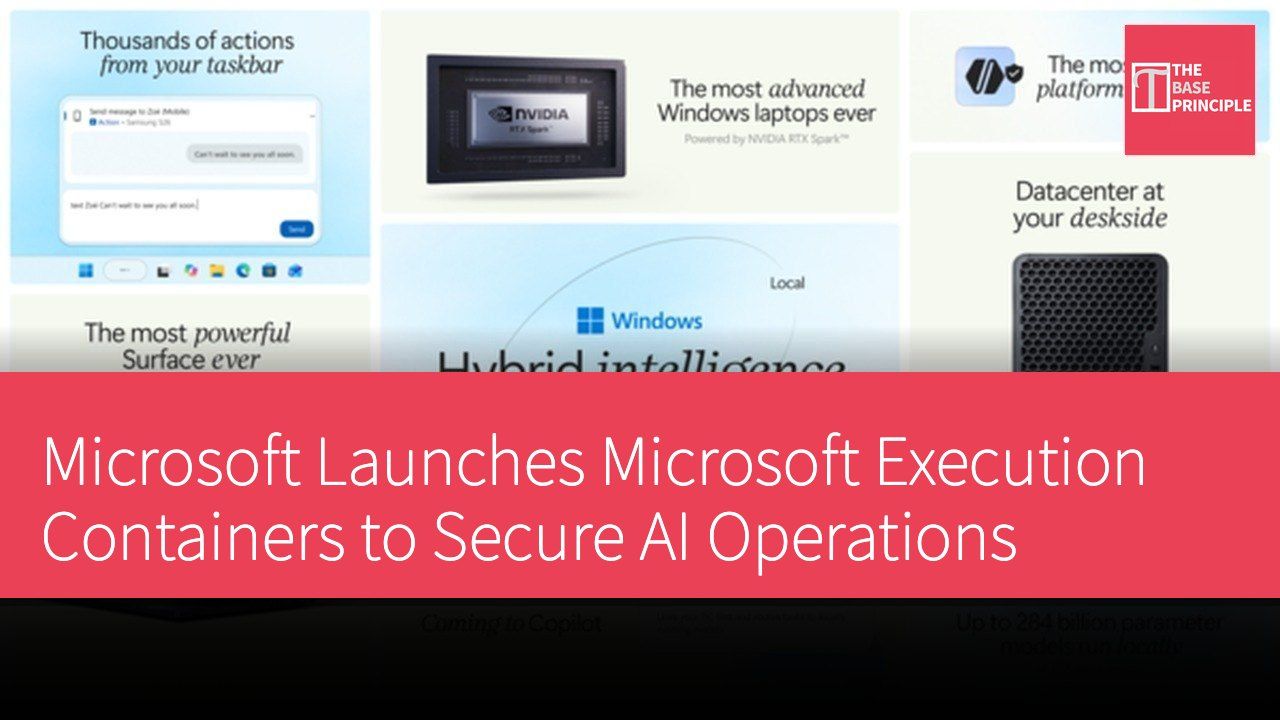
Arriving alongside the execution containers is a computer that illustrates the problem well. The Surface Laptop Ultra maxes out at 128GB of unified memory, and Microsoft says it can run models with over 120 billion parameters locally. Some tasks that previously could only live in the cloud are starting to stay on the personal computer. For privacy-conscious users, this seems like the most intuitive answer: data doesn't have to be uploaded, so it's naturally more secure. But "local" solves the problem of data leaving the device; it doesn't automatically solve what the AI can touch inside the device.
A fully offline agent, if it can read the entire hard drive and execute arbitrary commands, can still accidentally delete files or extract information from directories it shouldn't enter. Moving the model from the server back to the computer only shortens the distance data travels; what truly determines the security boundary remains permissions, isolation, and operation logs.
Local AI also brings another easily overlooked cost: price. The Surface Laptop Ultra ranges from US$2,599 (approx. HK$20,272) to US$5,899 (approx. HK$46,012); the large-memory versions are clearly not mass-market products. Nvidia's DGX Spark, aimed at local AI development, also raised its price to US$6,950 (approx. HK$54,210) due to rising memory costs. The larger the model, the more memory and bandwidth it needs, so "keeping data in your own hands" is becoming an expensive hardware configuration rather than a capability everyone can enjoy.
This may create a slightly awkward situation. Those who can afford high-performance computers can keep more sensitive tasks local; ordinary users continue to rely on cloud models, trading convenience for platform privacy policies. Local AI isn't just a difference in performance track; it could become a new privacy price gap. If truly usable local models only exist on devices costing thousands of dollars, that sense of security remains a commodity only a few can afford.
Local and cloud aren't mutually exclusive either. Microsoft is pushing a hybrid mode: simple tasks stay on the device, complex ones go to the cloud. It's more realistic, but makes the boundary more complex: users need to know not only which files the AI read, but which part was sent to the server, and what operations the returned results triggered. A future trustworthy AI computer can't just print "on-device processing" on the box; it has to explain that data path clearly.
One isolation room isn't enough. Execution containers are a good start, but they don't automatically make all AI operations safe. Isolation can shrink the blast radius when accidents happen, but it can't judge for the user whether the task itself is reasonable. An agent allowed only into a designated folder could still send the wrong version of a file from inside it; even if it can't read credit card passwords, it could place a wrong order on an already-logged-in shopping site. Safety isn't just drawing a line for AI; it's letting humans see which line it's about to cross.
Consumer AI truly needs an authorization system finer than "allow" and "deny." Users should grant task-level permissions, not permanently green-light an entire app; irreversible operations like payments, deletions, and public publishing need pre-execution confirmation; the system should also leave logs ordinary people can understand, showing what the AI opened, modified, and sent. Once a task deviates from expectations, there must be a direct stop button and the most complete undo capability possible. These designs will make AI seem less smooth than in demo videos. The launch-event scene where "say one sentence, hundreds of coffees are already ordered" is impactful, but a truly reassuring product might have to pause before the two-hundredth coffee is paid for, telling you the quantity, delivery address, and total amount.
One more confirmation seems to lower efficiency, but it preserves the fact that humans remain the final decision-makers. Autonomous driving needs brakes, dashboards, and accident logs; AI that can operate computers for people is no different.
Truly mature automation doesn't remove humans from the process entirely; it brings humans back at the moment consequences must be borne. Since the birth of the personal computer, the most stable rule has been waiting for human instructions. Mouse doesn't move, keyboard doesn't sound, the machine just sits there. Agents are rewriting that rule. Future computers will act continuously while we sleep, meet, and commute; they won't just preserve our lives, they'll intervene in them on our behalf. At that point, the computer's most important capability may not be how fast the model runs, but whether it can give actions boundaries, give permissions reasons, and give errors a chance to be stopped.
The isolation room Windows built for AI is therefore not just a technical update for developers. It reminds everyone that the true sign of AI entering daily life isn't that it learned another new skill, but that the operating system finally started seriously guarding against it. Because only when a computer knows when to say "no" to AI can users confidently hand it more tasks. We're always discussing what things we'll still need to do ourselves in the future. Perhaps the answer isn't continuing to click every button by hand, but retaining the power to decide which buttons can be pressed for us.
AI can live in the computer, and it can keep working after humans leave, but that room should have a door, a lock, and a switch that always stays in human hands.
項目 規格 處理器 Surface Laptop Ultra 最高配備 128GB 統一內存 售價 從 US$2,599 (約 HK$20,272)到 US$5,899 (約 HK$46,012)不等