
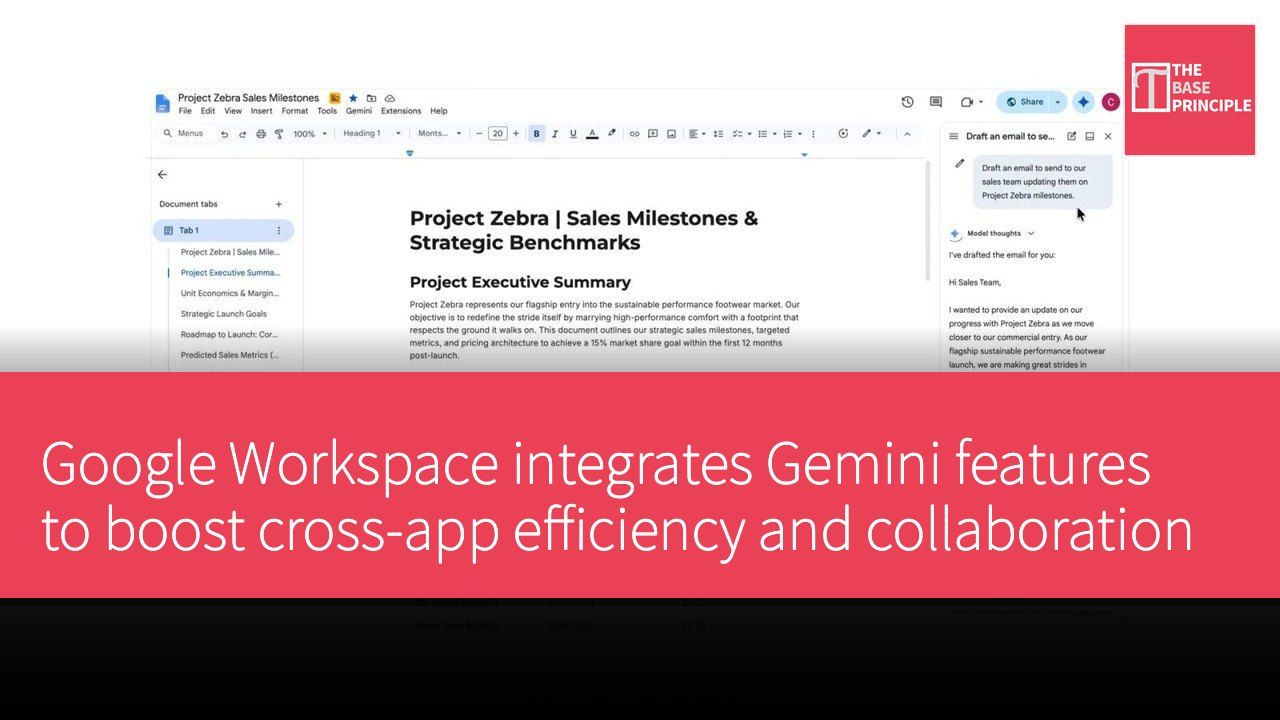
Google Workspace has now consolidated Gemini's device-side panels into a single set of functions, allowing users to "complete complex tasks across apps" in Gmail, Drive, Docs, Slides, and Chat. This upgrade means users no longer need to switch to a specific service to perform certain actions; instead, they can call on Gemini directly within their current workflow to perform actions such as "creating a proposal in Docs and assigning tasks" or sending emails that require review directly within Gmail.
Workspace Intelligence enables a unified feature set, enhancing cross-app efficiency and collaboration
This update is achieved through Workspace Intelligence and deep application integration, giving Gemini the same set of operations across all Workspace devices. For example, users can call on Gemini within Google Docs to "send an email to the sales team for review and feedback" without needing to switch to Gmail first; in Drive, users can use Ask Gemini to generate a PDF or presentation draft, directly linking to existing files and reports. The update has begun rolling out gradually, and for individual users, those on the Google AI Pro or Ultra plans can access it, with business and education versions to follow. For more official information, visit the Google Workspace support page. The actual implementation integrates cross-app commands and content into a single area, enhancing workflow continuity.
New possibilities for content creation and daily task automation, with real-time examples and effects
New features and examples indicate that within the Gmail sidebar panel, users can create "project-centric strategy summaries" or "tracking spreadsheets for local spreadsheets," and in Docs, they can transform proposals into easy-to-read presentations, all integrated by Gemini using information from Gmail, Drive, Chat, and the web. For daily management, tasks such as using Ask Gemini in Chat to generate an "updated presentation outline for Project Zebra" or producing a client insights presentation in Drive using existing file data can be completed quickly. These examples reflect that Gemini has evolved from a simple conversational tool into a core collaborative partner across digital workflows. Official promotions also clearly state that the rollout steps may not appear completely simultaneously on all devices, and different users may see interface adjustments at different times, but the overall direction is clear. Users who want to stay updated on the latest developments can visit the Google AI official page. Web domain link: ai.google.