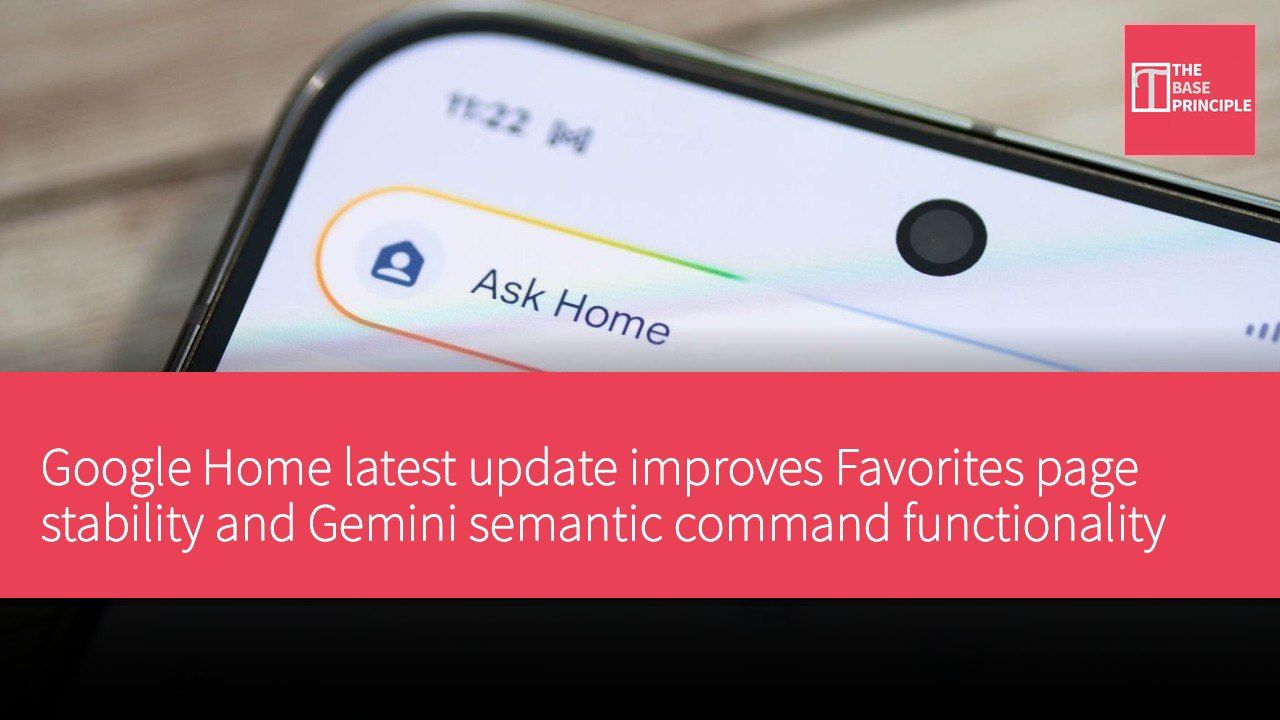
Google Home's latest update has officially rolled out, focusing on improving the stability of drag-and-drop devices on the Favorites page, redesigning third-party device control interactions, and multiple fixes for Gemini semantic commands. These changes are especially useful for users who currently rely on the Favorites page as their core daily interface, because a reproducible drag-and-drop experience and easier-to-understand responses directly affect the efficiency and smoothness of daily home control. In addition, the newly added stop command and clearer display reduce frustrations caused by misunderstandings and misheard commands, which have been long-standing pain points reported by users. Overall, the update focuses on users' most common scenarios and improves the stability of conversational control and contextual understanding.
In summary, Favorites page and Gemini performance become the core focus of this update
The Favorites view is one of the most frequently used interfaces in the current Google Home, and the improved stability of drag-and-drop operations in the new version significantly improves the long-degraded user experience. The official changelog mentions that instability factors when dragging tiles on the Favorites page have been eliminated, a change particularly useful for users who frequently need to reorder devices. For those of us who had given up managing this page, this update's stability improvements will undoubtedly boost their productivity. In addition, in terms of third-party smart home device control design, the update brings more intuitive control options, allowing users to locate and operate commonly used devices more quickly.
Gemini's command performance has also been overhauled, particularly in the conversation stopping flow and response readability. The new stopping mechanism allows users to use natural phrases like "thank you" to quickly end conversations and close the microphone, reducing unnecessary delays and misunderstandings. Additionally, the system has improved differentiation between ambient music and environmental sounds, making recognition of different music types in the same scenario more accurate. Weather unit display also remains consistent with users' Home settings preferences, avoiding confusion caused by inconsistent units. Although these details may not be major features, they have a significant impact on actual usage smoothness.
Gemini platform's enterprise positioning and integration with Workspace ecosystem reveal Google's long-term planning
In the "Gemini for Google Workspace" and enterprise work agent domains, Google Cloud Platform has proposed deep integration directly with tools such as Gmail, Drive, Docs, Sheets, Slides, Chat, and Calendar, and supports the creation of "colleague agents" with independent identities and permissions to complete multiple types of work tasks through a single unified conversational interface. This design stems from Google Workspace's existing ecosystem, allowing users to complete content creation, knowledge work, and even code execution without frequently switching applications.
Enterprise-grade Gemini agent components can operate under different configurations, serving as either personal assistants or long-term digital colleagues sharing team responsibilities. Google Cloud states that this agent supports operation as an agent with independent identity and permissions within the enterprise, and can execute tasks long-term. Risk controls, audit logs, and governance mechanisms are natively integrated into the platform architecture, giving customers higher confidence in data protection and compliance. These supplementary details explain Google's long-term planning for digital workflow automation and also provide reference for future Google Home applications in enterprise environments.
Taken together, the current positioning of Google Cloud and Gemini Enterprise shows that Google aims to connect multiple scenarios — personal assistant, home automation, and enterprise work intelligence — and achieve cross-scenario collaboration through a single interface and workflow. Although on the home device front the update focuses on stability and usability, the enterprise-grade long-term development strategy and toolchain integration are also important drivers pushing the overall ecosystem forward. Through these changes, Google hopes users can feel the efficiency gains brought by "one interface, boundless agents" in both daily life and work.