
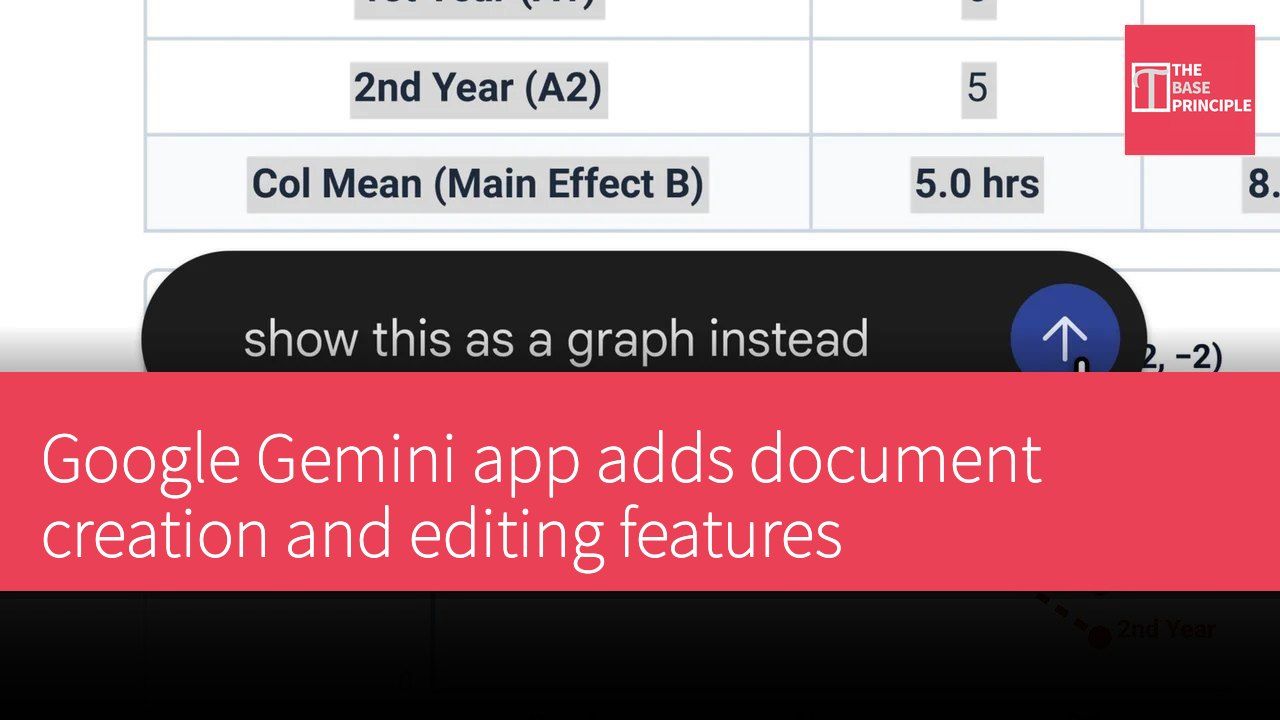
Google has officially announced that the Gemini app now includes new features that allow users to create and edit various types of documents directly within the app, including documents, PDFs, presentations, and spreadsheets.
Document Creation and Editing Features in the Gemini App
According to Google, users can now generate, preview, and edit documents directly in the conversation, with the option to expand to full screen for direct editing. Users can highlight text to ask questions or request Gemini to improve the document.
“We are introducing new ways to create and refine documents, PDFs, presentations, spreadsheets, code, and more.”
Google
Supported Document Formats and Features
The PDF preview and editing features are available on both web and mobile devices, while other formats (such as Google Docs, Google Sheets, presentations, Markdown files, TXT files, and code) are only supported in the web version. Users can upload handwritten notes, request Gemini to create PDF study guides, and easily edit manually or highlight specific sections to request modifications to text or visual content from Gemini.
“These features are now available to users in all languages.”
Google
Impact on Users
The launch of this new feature allows users to handle various documents more conveniently while using the Gemini app, enhancing work efficiency. Whether for academic research or everyday office tasks, these features will provide more flexible and efficient solutions.
Source: Google Official Announcement