
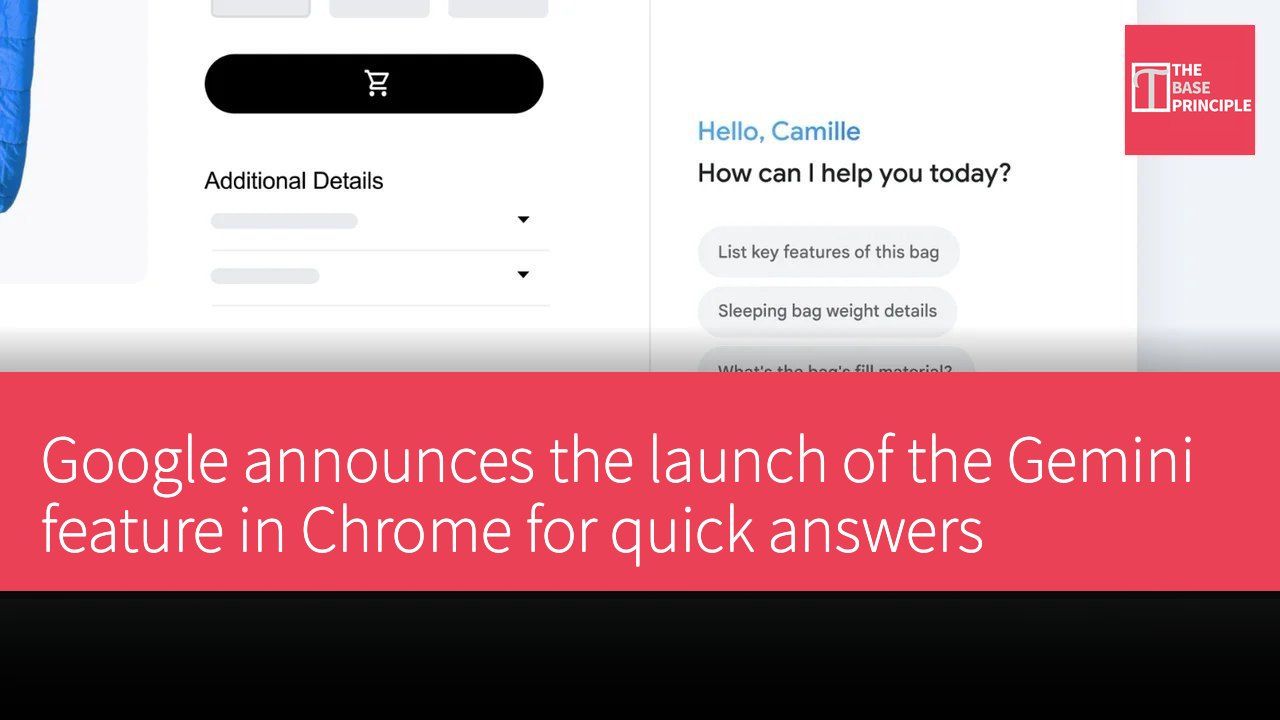
Google has officially announced the launch of the Gemini feature, allowing users to quickly obtain answers in the Chrome browser without needing to open additional tabs.
How to Use the Gemini Feature
Users can simply click the Gemini icon in the Chrome toolbar to open a sidebar for various queries. This feature aims to enhance the browsing experience by providing the necessary information without leaving the current page.
Various Use Cases for Gemini
Users can utilize Gemini for various queries, including requesting a summary of a dense report, comparing product details, or explaining complex topics in simple language. This design not only improves the efficiency of information retrieval but also helps users better understand various content.
"Click the Gemini icon in the Chrome toolbar to open the sidebar."
Google
"Request Gemini to summarize a dense report, compare product details, or explain complex topics in simple language."
Google
The launch of this feature demonstrates Google's ongoing innovation in the field of artificial intelligence, providing users with a more convenient web search experience and further strengthening Chrome's position as a multifunctional browser.
Source: Google Official Announcement